
How to pray all five prayers every day
By Ali and Sofiya Khundmiri, makers of Waqt · Updated
Short answer
Make each prayer small and visible. Know when the current prayer’s time ends, mark it the moment you’ve prayed, and work on your one weakest prayer instead of all five at once. Count prayers made up late (qada) so one slip doesn’t reset you to zero.
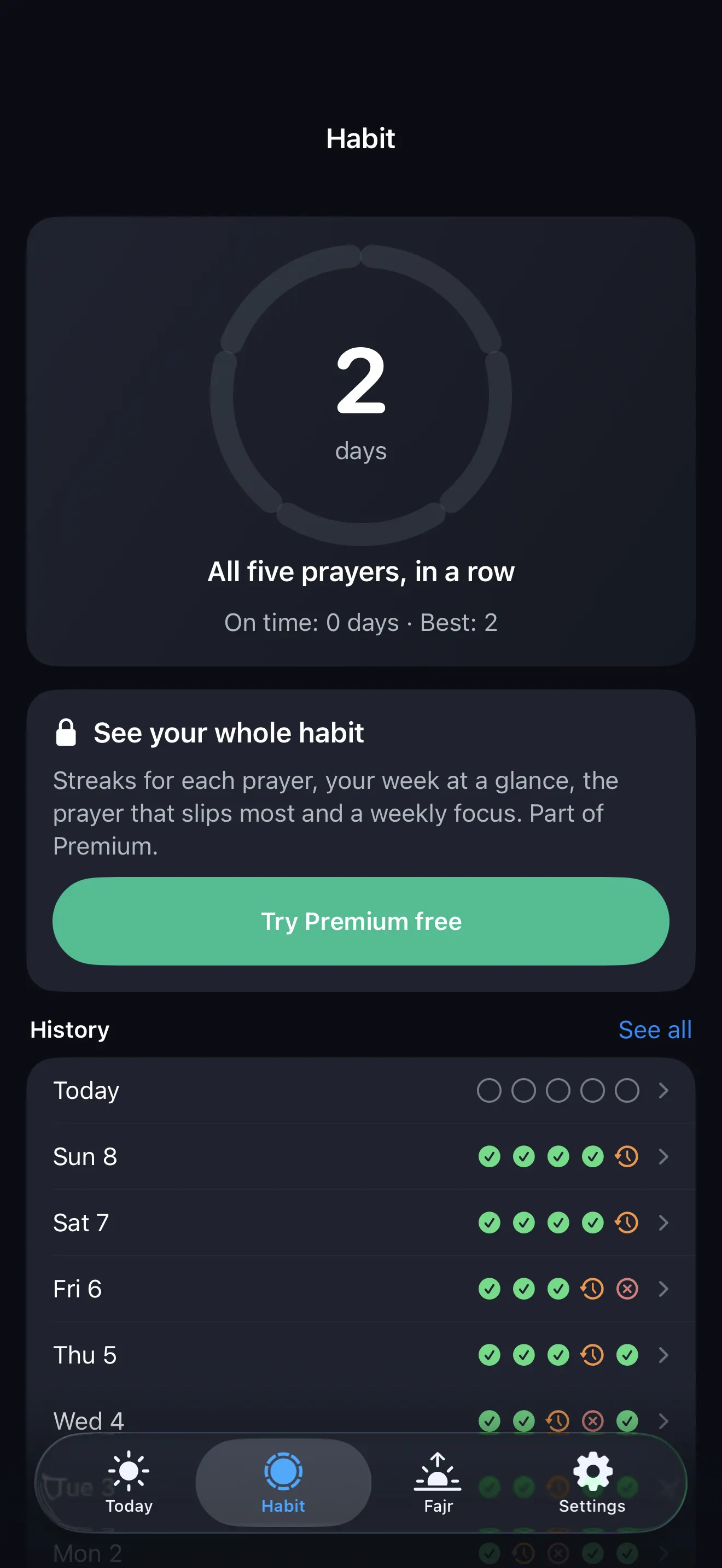
A salah tracker that’s kind on bad days
One tap after you pray. Waqt keeps your streak, counts qada, and shows how long is left before each prayer ends. Free, no account.
4 steps that make it stick
- Watch the end time. Missed prayers usually come from not noticing a prayer’s time running out. Keep the countdown on your Lock Screen or a widget.
- Mark it the moment you pray. On time, or late (qada). Logging at night turns into guessing.
- Fix one prayer at a time. Find the one you miss most and give it extra help. Move on when it holds for a few weeks.
- Forgive the slips. Count a made-up (qada) prayer so one late prayer doesn’t reset your streak, and review your week, not your day.
Quick questions
What is a salah tracker?
A simple log of the five daily prayers: each one marked prayed on time, prayed late (qada) or missed, usually with a streak to keep you going.
Does a qada prayer break my streak in Waqt?
No. A prayer made up as qada still counts towards your “all five” streak. A separate on-time streak rewards praying within the time.
Who can see my prayer log?
Only you. Waqt keeps the log on your iPhone and has no account.
Free on iPhone · no account, no ads
Download Waqt“The prayer at its proper time” is the deed Allah loves most: Sahih al-Bukhari 527.